Potion Hut Solver
Solve Puzzles & Chaos Potion Hut stages cleanly, get step-by-step hints for hidden (?) potion layers, and check whether an Add Bottle item is actually required before spending event items.
Mystery (?) mode active — tap a top '?' with its real color once uncovered
Save Reveal & Add Bottle Items in Potion Hut
Higher stages of Potion Hut in Puzzles & Chaos: Frozen Castle lock lower layers behind question marks (?) and offer three event items: Undo, Reveal Item, and Add Bottle. You can clear most stages without burning those items by combining deduction with step-by-step reveals.
- Log visible layers + Hidden (?): Tap Clear, set your exact bottle count, and enter each bottle from bottom to top using the ? chip for locked layers.
- Use reveal hints first: Click Suggest Best Reveal Move (?) to choose pours that expose hidden slots while keeping at least one bottle open for staging.
- Deduce the last few (?) slots by count: Watch the color count badges above the bottles. Because every potion color appears in sets of 4, once only one or two colors are short of 4/4, you already know what sits under the final question marks.
- Test Add Bottle mathematically: If a stage locks up after all colors are visible, let the solver verify whether +1 Extra Bottle unlocks a full solution before spending your item.
TapPuzzles is an independent browser puzzle site and is not affiliated with 37GAMES or Puzzles & Chaos. Read our Unsolvable Water Sort Guide to see how deadlocks happen.
More Browser Sorting Games
Play Daily Sort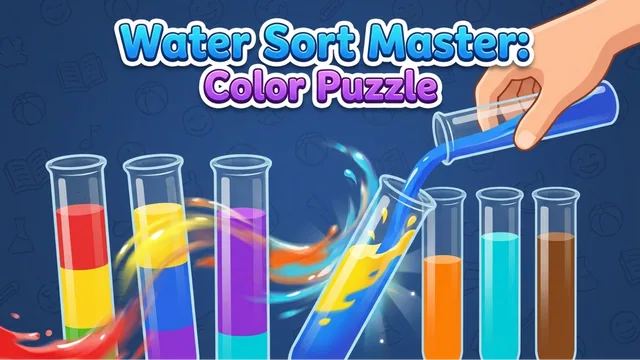
Water Sort Master
2D glass test tubes, no timer, 5 free undos, and 16:9 widescreen play.
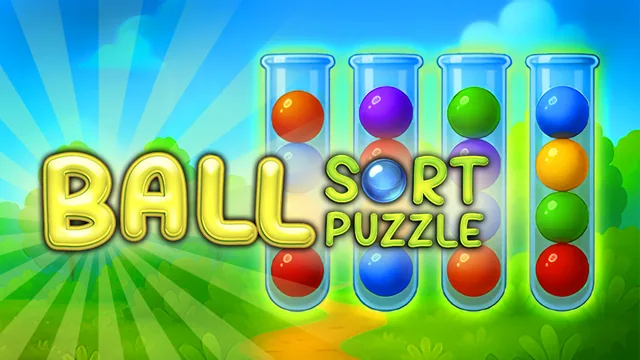
Ball Sort Puzzle
3D spheres across 5 modes: Classic, Sticky, Meditation, Challenges, and Time Attack.

Color Water Sort 3D
3D glass flasks, angled pour arcs, and untimed 16:9 browser play.
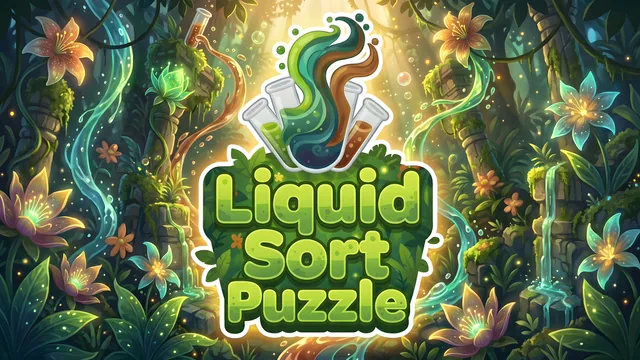
Liquid Sort Puzzle
30-second timed liquid sorting in a tropical rainforest setting.